FLUX AI Image Generated by Flux Kontext Pro
Výzva
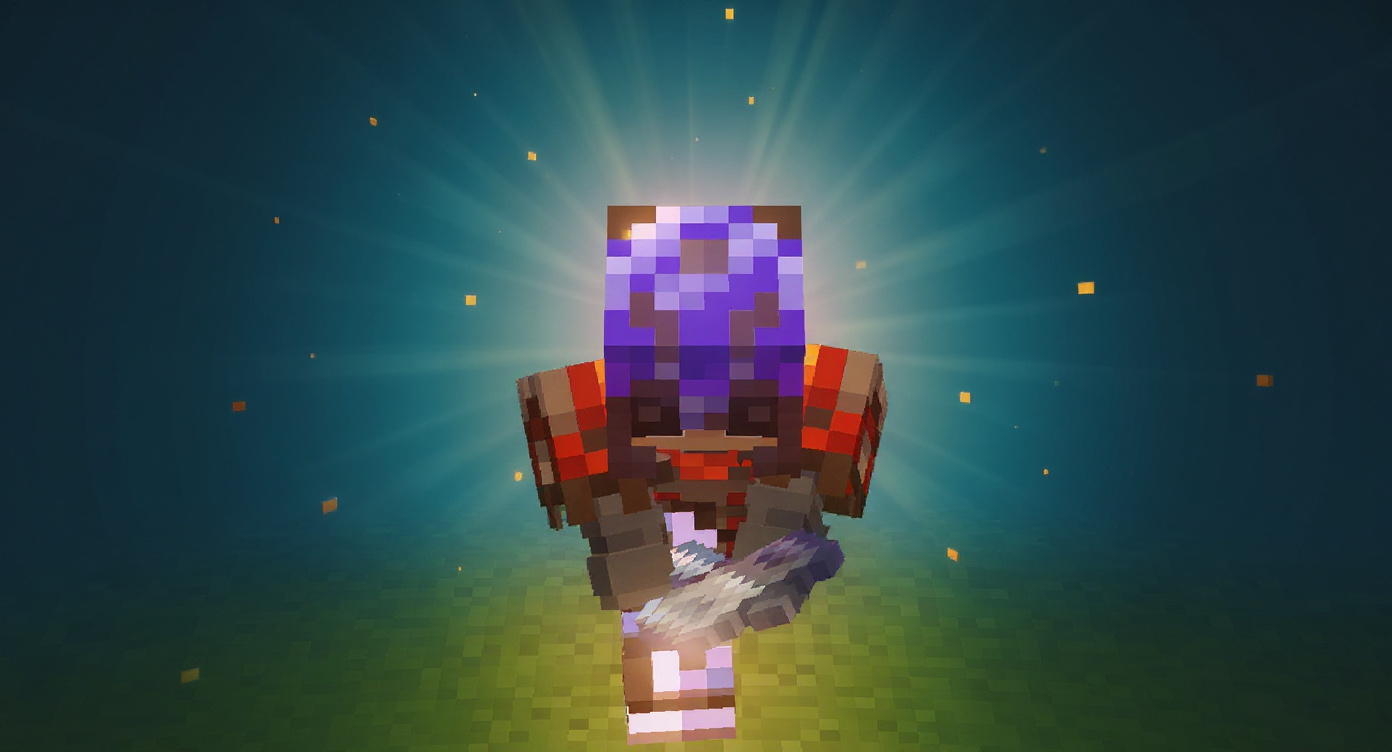
This is a screenshot from the game Minecraft. Every pixel of the game world, character model, armor, items, and HUD must be preserved EXACTLY. You are adding post-production effects (lighting, glow, particles, blur, vignette) ON TOP of the image. You are NOT regenerating, redrawing, or restyling any part of the game scene. If you are unsure whether an element is part of the game, do NOT touch it. Enhance this Minecraft screenshot into a high-CTR YouTube thumbnail. Add the following effects while keeping the original scene composition intact: STRICT CONSTRAINTS: Do NOT alter, redraw, restyle, or "improve" any Minecraft game element. Blocks, textures, items, mobs, UI (hotbar, hearts, XP bar, crosshair), and in-game text must remain pixel-perfect and exactly as they appear in the original screenshot. Preserve the original pixel-art style of all in-game assets. Effects (glow, particles, lighting) must sit on top of or around the scene, never into the pixels of any block, item, or mob. Do NOT apply motion blur, depth-of-field blur, or any blur to the main subject or game elements. Do NOT add, render, or generate any text, words, letters, numbers, watermarks, or captions anywhere in the image. No title, no labels, no overlays with text. Depth Separation: Apply a subtle Gaussian blur (2–3px) to everything behind the focal point to push the subject forward. The blur should be clearly visible but not heavy — enough that the background reads as "far away" without looking like a mistake. The main subject and all foreground game elements must stay sharp and in focus. Lighting: Strong rim light from the [left/right] side, dramatic golden-hour or torch-glow ambient lighting, deep shadows for depth. Color & Contrast: High saturation, high contrast, warm color temperature on the subject with a cool cyan/blue background tint. Add a subtle red vignette around the edges. Effects: Add a soft glow around the [main item/mob/focal point], floating particle effects


